Best email marketing tools 2026: an honest comparison
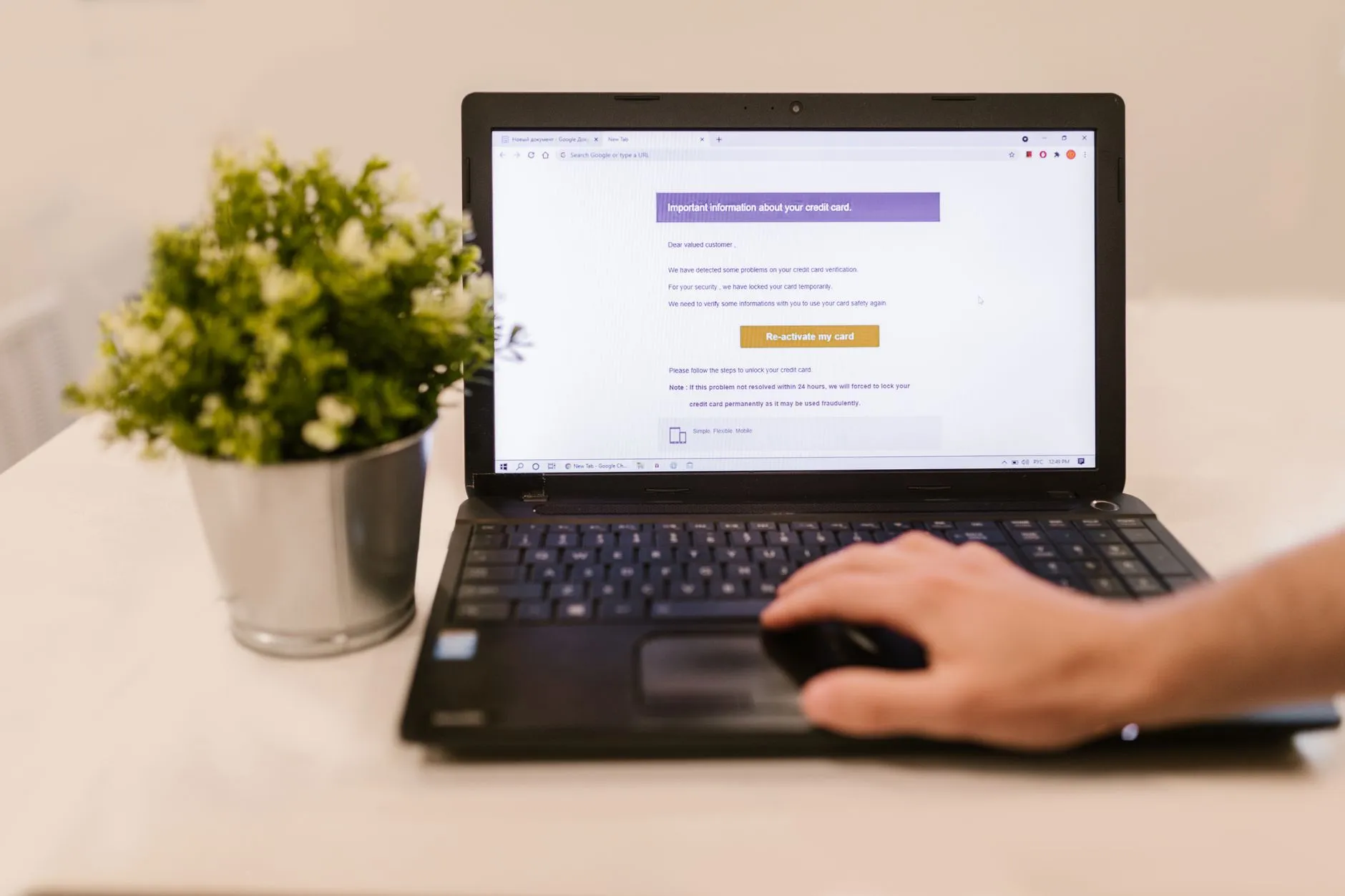
For email marketing in 2026 the choice usually comes down to three services: Mailchimp (mature all-in-one), Brevo (pay per email, not per list) and MailerLite (simplicity at an affordable price). There’s no «best for everyone» — only the best for your send volume, list size and budget.
Below are the selection criteria, a side-by-side table and honest pros and cons of each.
How to choose an email tool in four steps
- 1
Assess list size and frequency
A large list and rare sends favour pay-per-email; a small list and frequent sends favour pay-per-contact.
- 2
List the features you need
Segmentation, automated sequences, forms, SMS — keep what you'll actually use.
- 3
Check deliverability and domain
Verify your domain (SPF/DKIM) and test whether emails land in the inbox, not spam.
- 4
Price it at scale
Judge the cost of the working plan with your list and volume, not the starter figure.
What criteria to compare on?
Look at four things: pricing model (per contact or per email), features (segmentation, automation, forms), editor simplicity, and deliverability. Fifth is integrations with your site and CRM.
How do the three services look side by side?
| Tool | Strength | Pricing model | Best for | Score (0–10) |
|---|---|---|---|---|
| Mailchimp | Mature all-in-one | Per contact, free tier | Broad needs | 8.2 |
| Brevo | Pay per email + SMS | Per email, free tier | Large list | 8.1 |
| MailerLite | Simplicity at a price | Per contact, free tier | Simplicity | 8.0 |
The score is our editorial rating on a 10-point scale, not a vendor ranking. It reflects the balance of features, price and simplicity for a small business.
The free tiers are the real fork here, and they are not measured in the same unit: Mailchimp is free up to 250 contacts and 500 emails a month, with Essentials from $13/mo Mailchimp pricing page, August 2026 , Brevo caps sends instead of contacts — 300 emails a day, roughly 9,000 a month, with Starter from $9/mo Brevo pricing and help centre, August 2026 , and MailerLite is free up to 250 subscribers and 2,500 emails a month, with paid plans from $12/mo MailerLite pricing page, August 2026 . A big list you email rarely is cheapest on Brevo; a small list you email often is not. Checked August 2026.
Who suits whom?
Mailchimp — if you want a mature tool with a large ecosystem. Downside: price climbs fast with the list, and it can be overkill for simple newsletters.
Brevo — if your list is large and sends are moderate: pay-per-email is more economical. Downside: fewer ready templates, and deeper automation on paid plans.
MailerLite — if simplicity and price matter most. Downside: fewer options for complex scenarios, and account moderation can be strict.
So which should you pick?
There’s no single winner for everyone. Start from list size and send frequency: mature all-in-one — Mailchimp; economical pay-per-email — Brevo; simplicity at a price — MailerLite. The safest way not to get it wrong is to send a few real campaigns in a trial account before you pay.
Frequently asked questions
-
01 Which email tool should you choose to start?
If you want a mature all-in-one — Mailchimp. If your list is large and sends are moderate — Brevo, priced per email. If simplicity and price matter most — MailerLite. There's no «best for everyone», only the best for your volume and budget.
-
02 Are there free email tools?
Yes. Mailchimp, Brevo and MailerLite all have free plans with limits on contacts or emails. They're usually enough to start; as the list and volume grow, you move to paid plans.
-
03 Do email tools charge per contact or per email?
It depends. Mailchimp and MailerLite mostly price by list size, Brevo by emails sent. If your list is large but you send rarely, pay-per-email works out cheaper.
-
04 Why is an email tool better than sending by hand?
It gives templates, segmentation, automated sequences and open/click analytics, and it handles deliverability and legal unsubscribes. Sending by hand does none of this and quickly hits mailbox limits.
-
05 How much does email marketing cost for a small business?
From zero on free plans to roughly $10–30 a month at the start of paid plans, then rising with list or volume. Budget for the working plan with your actual list, not the starting figure.
-
06 Does deliverability matter?
Yes, it's the whole game: an email in spam does nothing. Choose a service with a good sending reputation, verify your domain (SPF/DKIM) and never buy lists — sending to non-consenting contacts is what damages deliverability most.
-
07 Can you switch from one service to another?
Yes. Contacts export and import easily; automations and templates are harder to move and usually have to be rebuilt by hand. So choose with the future in mind, not just the starting price.
Read next

email-marketing
How to build an email list that actually reads
A practical guide to gathering subscribers: where to place the form, what to offer instead of a discount, why not to buy lists, and how to measure growth quality.

email-marketing
Transactional email 2026: Postmark, Amazon SES, SendGrid
Transactional email services compared on the same criteria: cost at 100k emails, deliverability and setup complexity.

email-marketing
Newsletter platforms 2026: beehiiv, Kit, Substack
Newsletter platforms compared on the same criteria: revenue share on paid subscriptions, free limits and audience-growth tooling.
email-marketing
Email deliverability: how to stay out of spam
A practical guide to email deliverability: why emails land in spam and what to do so your campaigns reach the inbox and drive sales.